
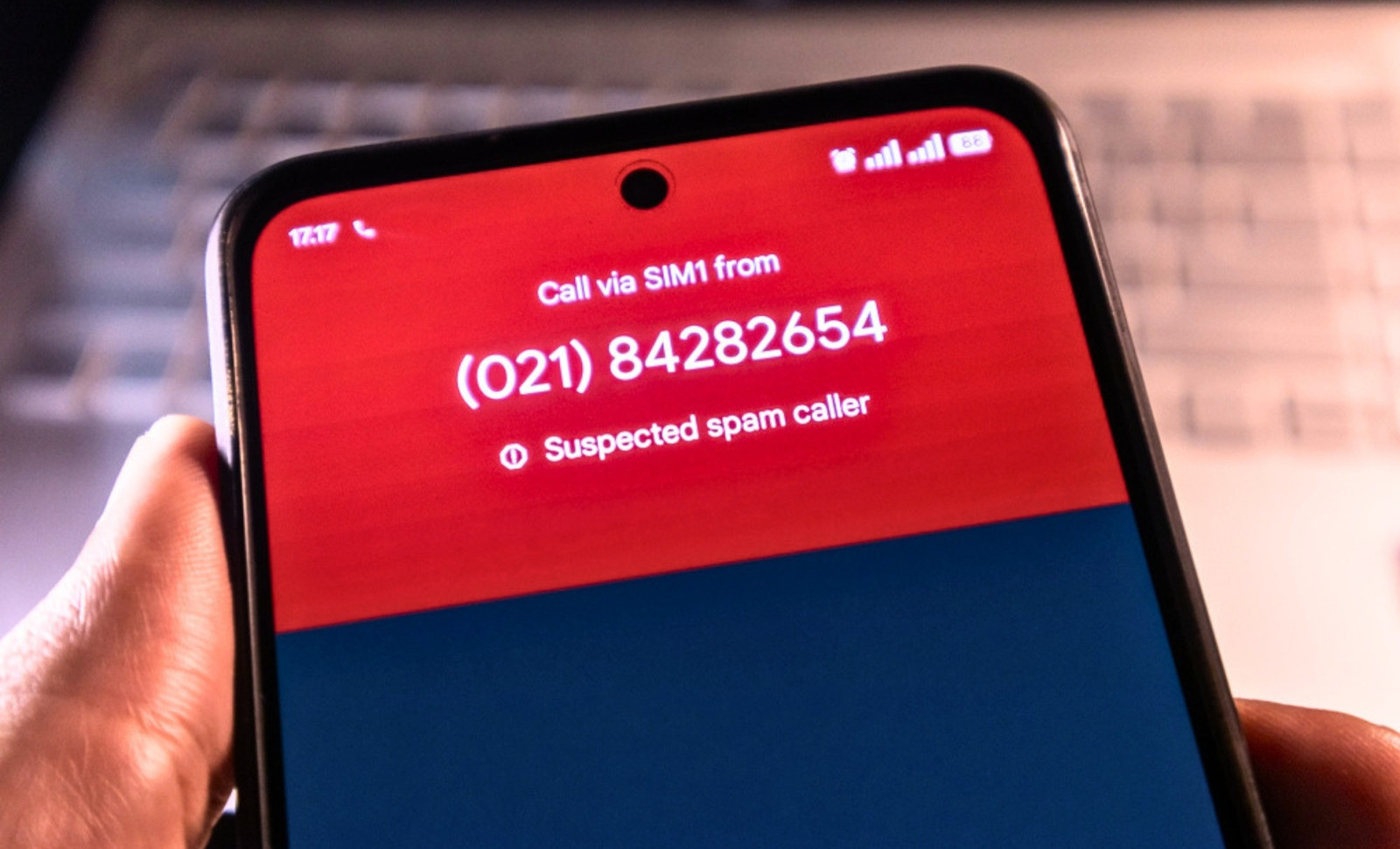
Few things disrupt daily life like answering a call only to be met with silence or an automated sales pitch. For countless phone users, spam calls and robocalls have become a constant irritation. Some individuals receive as many as 14 unsolicited calls daily, even after activating various protections. This issue has grown so rampant that consumer advocates describe it as a crisis, with the Federal Communications Commission identifying unwanted calls as its most frequent consumer grievance.
While some interruptions are merely bothersome, others involve outright fraud. A common scenario—picking up a call that immediately disconnects—is far from accidental or benign. Call centers use predictive dialer systems to ring multiple numbers simultaneously in an effort to keep agents busy. If no agent is available when you answer, the system hangs up. This tactic confirms an active line and logs the time of answer, information that can be sold or utilized to improve future targeting.
“The scourge of unwanted phone calls has been branded an epidemic by consumer groups,” the Associated Press reported.

Utilize Built-In Phone Features
Modern smartphones come with features designed to reduce such interruptions. On an iPhone, enabling Silence Unknown Callers directs calls from numbers not in your contacts or previously dialed to voicemail, preventing them from ringing. This can be activated by navigating to Settings, then Phone, where the option appears under Calls.
Android devices provide a similar function for private or unknown numbers, though calls from numbers outside your contacts may still ring. One user shared a useful tip with the Associated Press: use Do Not Disturb mode but allow calls only from saved contacts. Both strategies have drawbacks, as legitimate calls from new numbers such as a doctor’s office or a delivery service may be missed.
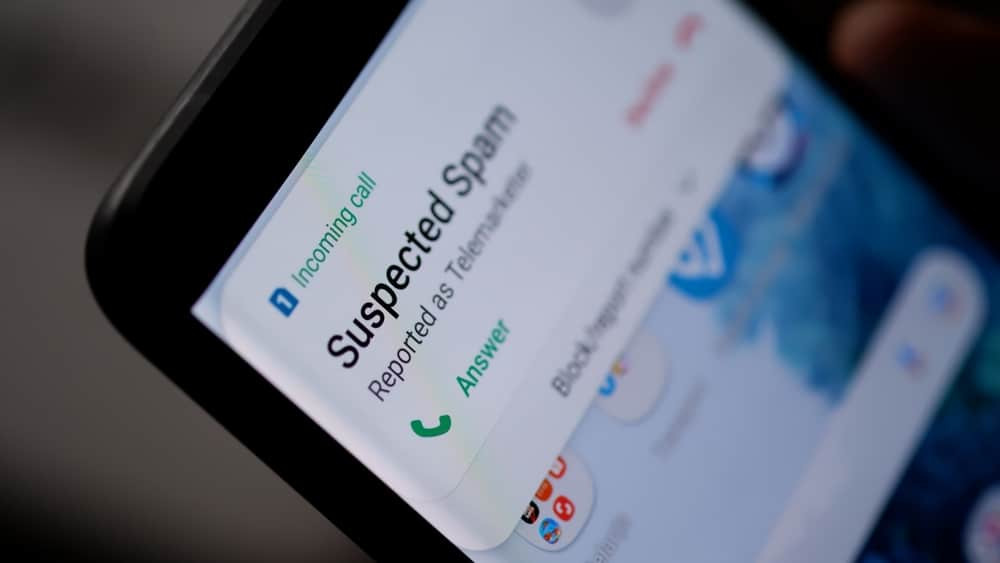
If an unwanted call slips through, both iPhone and Android allow you to block that number directly from the recent calls. Additionally, you can manually add numbers to a block list in the phone’s settings.
Carrier Services and Third-Party Apps Provide Extra Protection
Major U.S. carriers offer their own call-blocking tools. Verizon, T-Mobile, and AT&T all provide basic blocking features at no cost, while premium options require subscriptions. The Federal Trade Commission recommends checking what services your carrier has available.
For more robust filtering, apps such as Nomorobo, YouMail, Hiya, RoboKiller, and TrueCaller compare incoming calls against databases of known spam numbers, labeling them before you answer. Apple assures users that “incoming calls are never sent to third-party developers.” Many of these apps offer free basic versions alongside paid subscriptions, and some even support VoIP lines.
Understanding the Limits of the Do Not Call List
The FTC manages the National Do Not Call Registry, a service that instructs legitimate telemarketers to avoid listed numbers. Registering at DoNotCall.gov can reduce the frequency of sales calls. The registry only stores phone numbers and does not collect other personal details. However, political campaigns, charities, legitimate surveys, and companies you've engaged with in the past 18 months are exempt from restrictions.
Fraudulent callers often disregard the registry altogether. “If you get a robocall, and you haven’t given the caller written permission to call you with robocalls, the call is illegal, period,” the FTC confirms. Being on the list does not guarantee protection from these calls.
If you have previously dealt with a business, your consent to be contacted may be hidden in fine print. According to the National Consumer Law Center, you can revoke this consent at any time. A simple note like “I revoke consent” or a request to remove your number from their files might suffice, but the Associated Press warns that some companies resume contacting you from different numbers.
Silence May Be the Best Response
Experts in cybersecurity and regulators agree that the smartest reaction to suspicious calls is to hang up immediately. Avoid pressing any buttons or requesting removal from call lists, as the FTC advises this can lead to an increase in robocalls. Caller ID can be easily manipulated—a tactic known as spoofing—while neighbor spoofing mimics your local area code and prefix to appear familiar.
Security firm Kaspersky cautions against speaking too, especially if the call starts with “Hello, can you hear me?” This is often an attempt to record a “yes,” which scammers can use for fraudulent purposes.
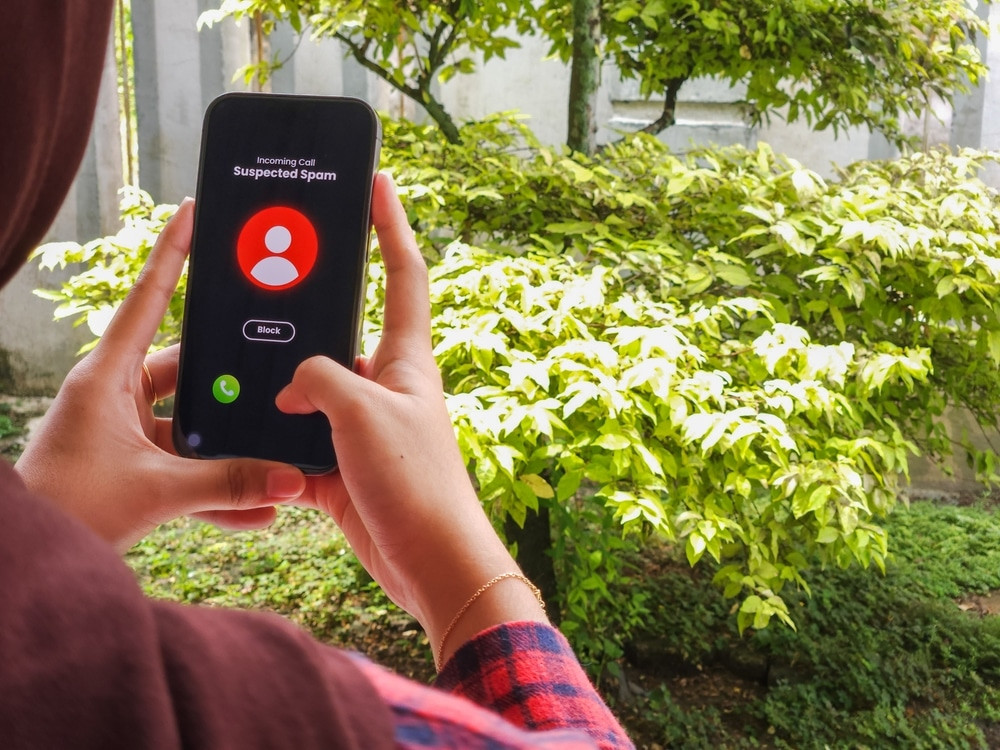
You can report unwanted calls to the FTC via DoNotCall.gov or, if you’ve suffered financial loss, at ReportFraud.ftc.gov. The FCC also accepts complaints. The FTC analyzes complaint data and call patterns to identify illegal operators, releasing flagged numbers daily to improve call-blocking efforts industry-wide.
For landline users, options differ. VoIP systems may include built-in filters or support third-party apps. Traditional landlines can utilize physical call-blocking devices—hardware that intercepts incoming calls and checks them against databases of known scammers or a personal block list, preventing the phone from ringing.
- Categories:
- News












0 comments
Sign in to Comment