
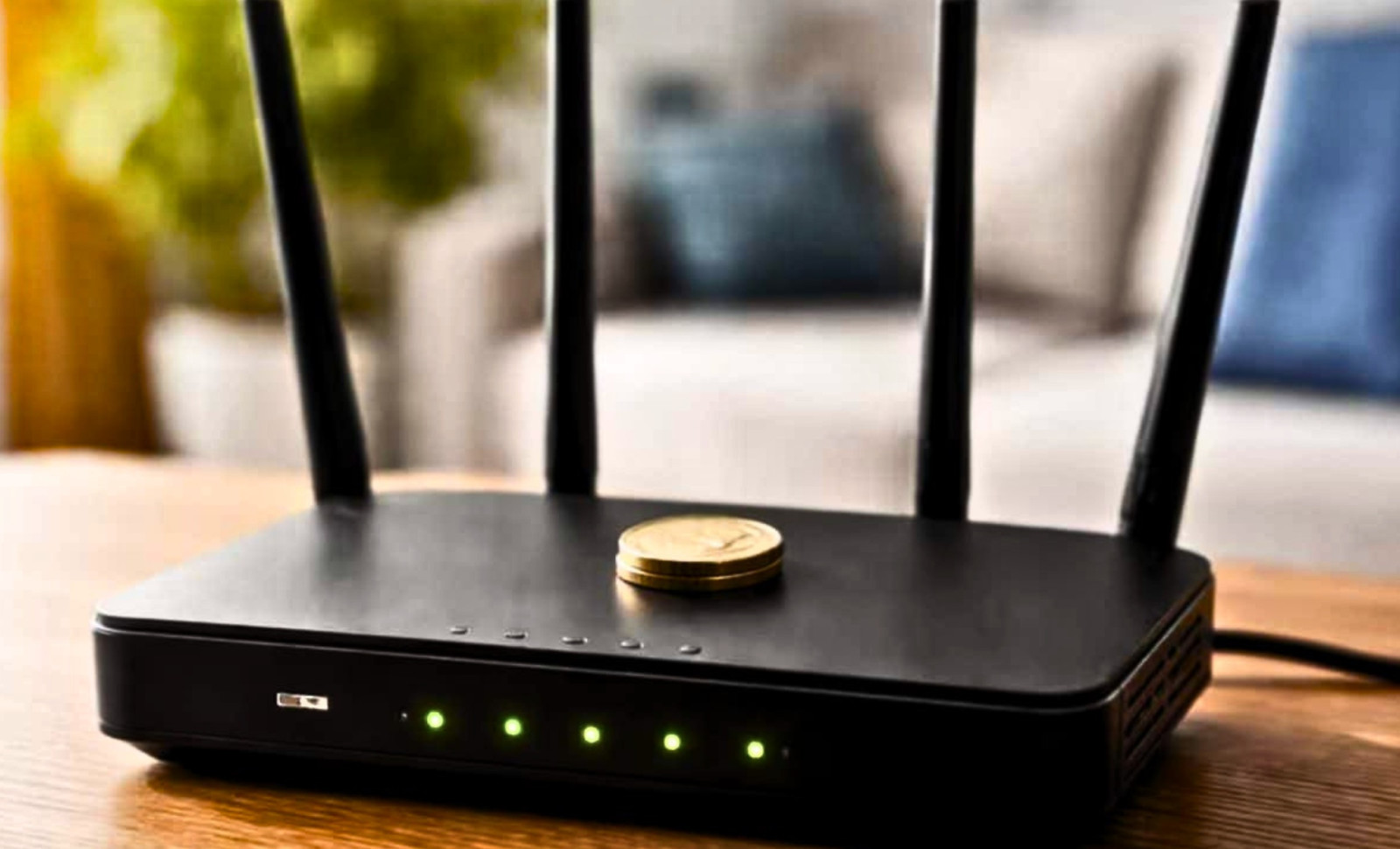
Images of shiny coins perched atop black routers have become a viral sensation on social media, promising improved internet speeds simply by adding spare change. This idea has circulated wildly across tech forums and short video apps, positioned as a quick fix for frustrating Wi-Fi dead spots and endless buffering delays.
The reasoning behind the coin trick usually follows one of two explanations. The first suggests the coin acts as a passive signal reflector that redirects wireless signals toward connected devices. Another perspective claims the coin helps cool down the router by dissipating heat from internal components during heavy use. A less glamorous theory posits that the coin merely adds weight, preventing the router from sliding when cables pull on it.
Network experts confirm that only the latter idea holds any truth. The other theories are part of a persistent mythos surrounding home Wi-Fi, fueled by anecdotal evidence and misunderstandings of wireless technology. A comprehensive technical review found that neither the antenna modification nor heat reduction claims hold up under detailed inspection.

Why a Coin Doesn’t Influence Radio Signal Patterns
Consumer routers broadcast on two key frequency bands. The 2.4 GHz band offers longer reach and better wall penetration. The 5 GHz band supports higher speeds but works best over shorter ranges and is more sensitive to obstacles. Altering the antenna’s radiation pattern at these frequencies requires carefully engineered conductive elements tailored precisely to the signal’s wavelength.
Wi-Fi signals correspond to wavelengths measured in centimeters. Designing efficient antennas involves expertise to optimize impedance, polarization, and directional gain. A typical household coin is too small and lacks the electrical properties to meaningfully affect signal propagation.
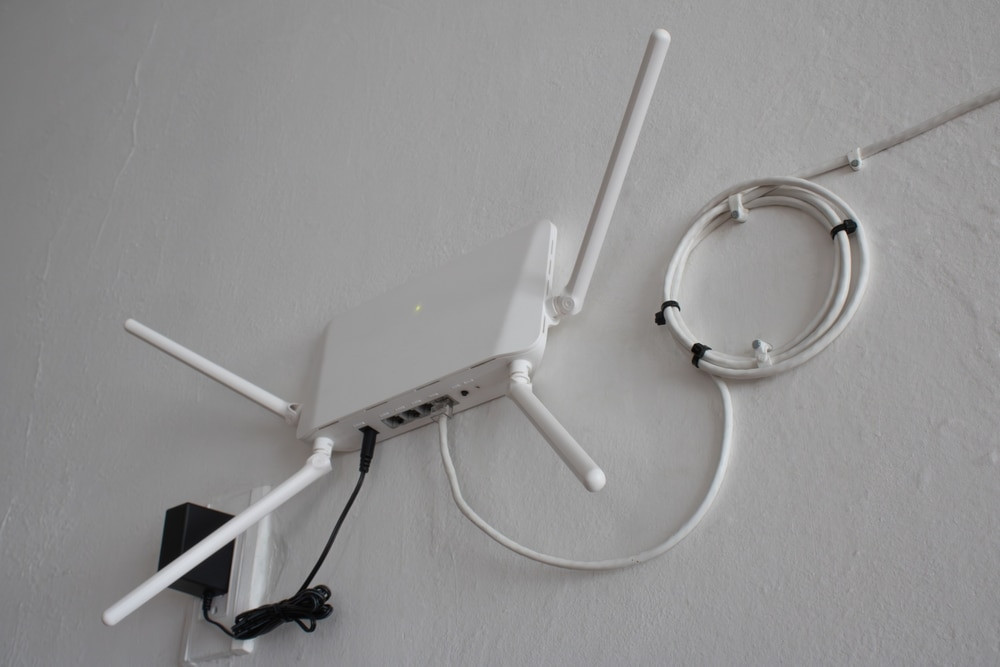
"Antennas are specifically tuned metal structures that convert electrical signals into radio waves and vice versa," the report explains. "A coin, passively resting on a plastic casing, is electrically disconnected and does not influence this process."
The notion lingers perhaps because it superficially resembles legitimate antenna engineering. In professional setups, directional reflectors and parasitic elements do shape wireless coverage. However, these components are custom-built for precise frequencies and positioned carefully relative to active antenna parts. A random coin casually placed on a plastic router doesn’t meet those criteria.
How Blocking Ventilation Harms Router Functionality
If placing a coin on a router has any effect, it is almost certainly negative. Consumer routers cool themselves passively using ventilation slots. Inside, processors, amplifiers, and power regulators generate heat that must be properly expelled.
Once internal temperatures exceed safety limits, routers often reduce transmission power, slow down processing, or temporarily disable radios to prevent damage. Users observing sudden slowdowns or dropped connections after trying the coin hack are likely witnessing thermal throttling. The coin can block air vents on the router’s top, where many models have upward-facing grilles.
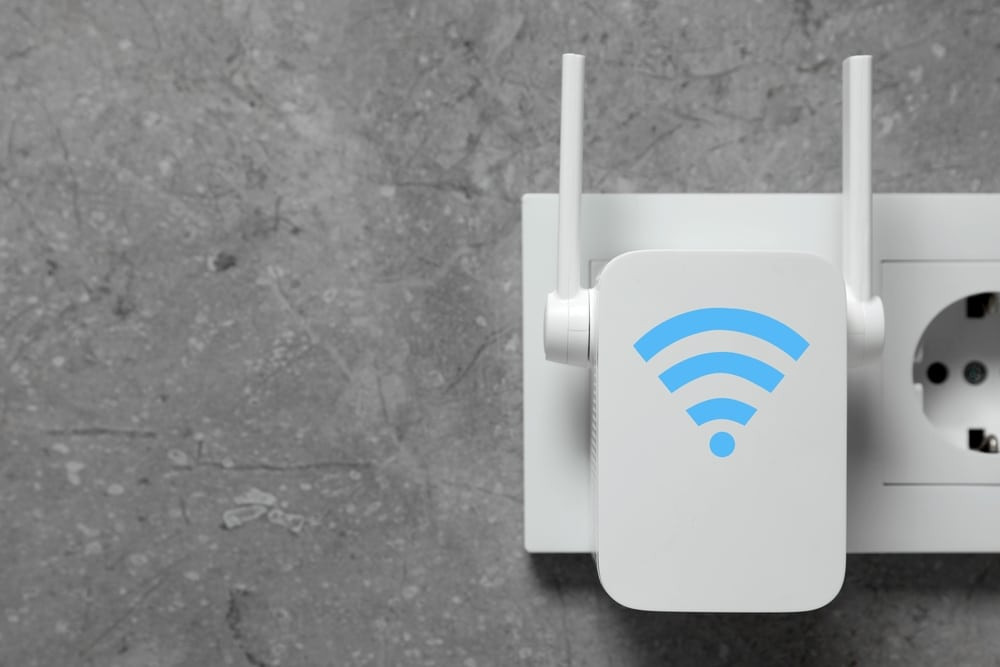
Introducing metal near antennas introduces another issue. The wireless performance firm 7signal highlighted metal as one of the most disruptive materials for indoor Wi-Fi because it reflects and scatters signals unpredictably. Their 2026 study listed metal, concrete, and plaster with metallic mesh as the top three offenders against Wi-Fi performance.
Metal's electrical conductivity means it absorbs electromagnetic energy, weakening signals that try to pass through. Although a single coin won't ruin a home network, piling metal objects on routers goes against standard recommendations.
Understanding Why the Coin Trick Seems Effective
Research shows no measurable signal improvement due to coins on routers. Any observed speed boosts usually result from normal network variations rather than the coin’s presence.
For example, a device connected over 5 GHz might temporarily benefit from switching to a less crowded channel. Changes like channel hopping, client roaming, and dynamic load balancing among neighboring networks all cause natural fluctuations.
People who place a coin and then notice an improvement are typically confusing coincidence with causation. This persistent myth shows how technology misconceptions endure when unverified claims spread unchecked.
Key Factors Influencing Home Wi-Fi Quality
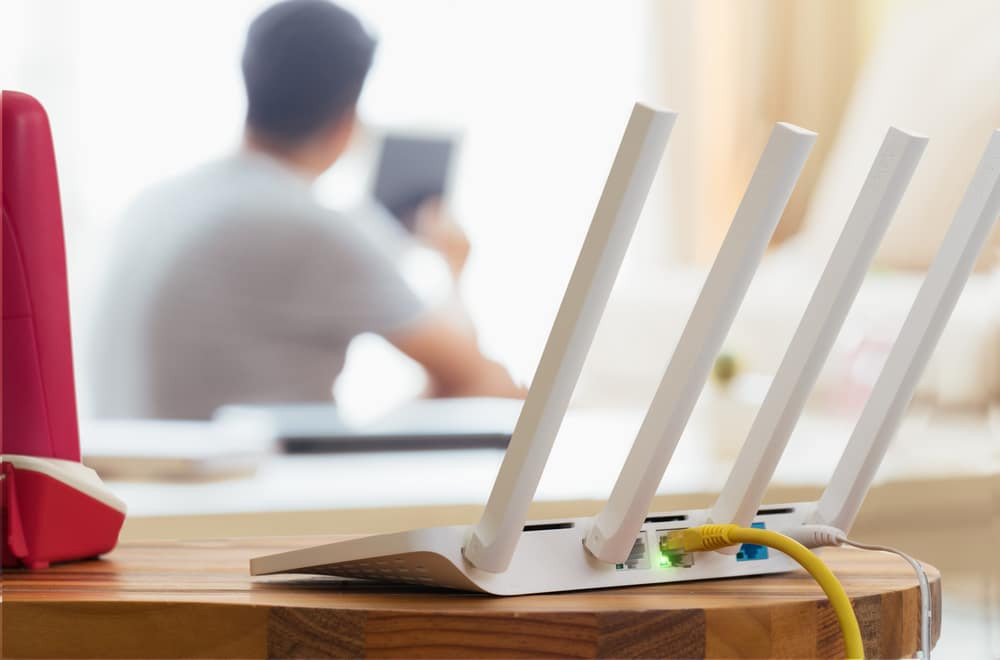
The most significant influencers of home Wi-Fi performance are well-documented environmental and setup considerations. Router placement is paramount. Positioning the device centrally and elevated, away from obstructions, makes a far bigger difference than any gimmick.
Experts caution against certain locations. Kitchens generate heavy electromagnetic interference from microwaves and appliances, especially within the crowded 2.4 GHz spectrum, which also hosts Bluetooth, cordless phones, and baby monitors. Large metal objects like refrigerators and filing cabinets absorb or reflect signals. Windows can leak signal outdoors instead of indoors.
The 7signal report reinforces these points. Dense materials like concrete significantly degrade signals. A National Institute of Standards and Technology study found signal losses over 55 dB at 5 GHz through 203 mm of concrete. Reinforced concrete and brick masonry also strongly hinder Wi-Fi signals due to their thickness and density.
Plaster with metallic mesh, commonly used in walls and ceilings, adds further interference. Both the plaster and underlying metal mesh reduce signal strength. In contrast, lighter materials such as drywall, plywood, and clear glass typically pose little issue, although some tinted or double-pane windows contain metal elements that cause problems.
In summary, the coin trick is a baseless myth with no signal benefit and real risks from blocked ventilation and metal interference. Genuine improvements come from optimizing physical layout, not adorning gear with coins.
- Categories:
- News













0 comments
Sign in to Comment