
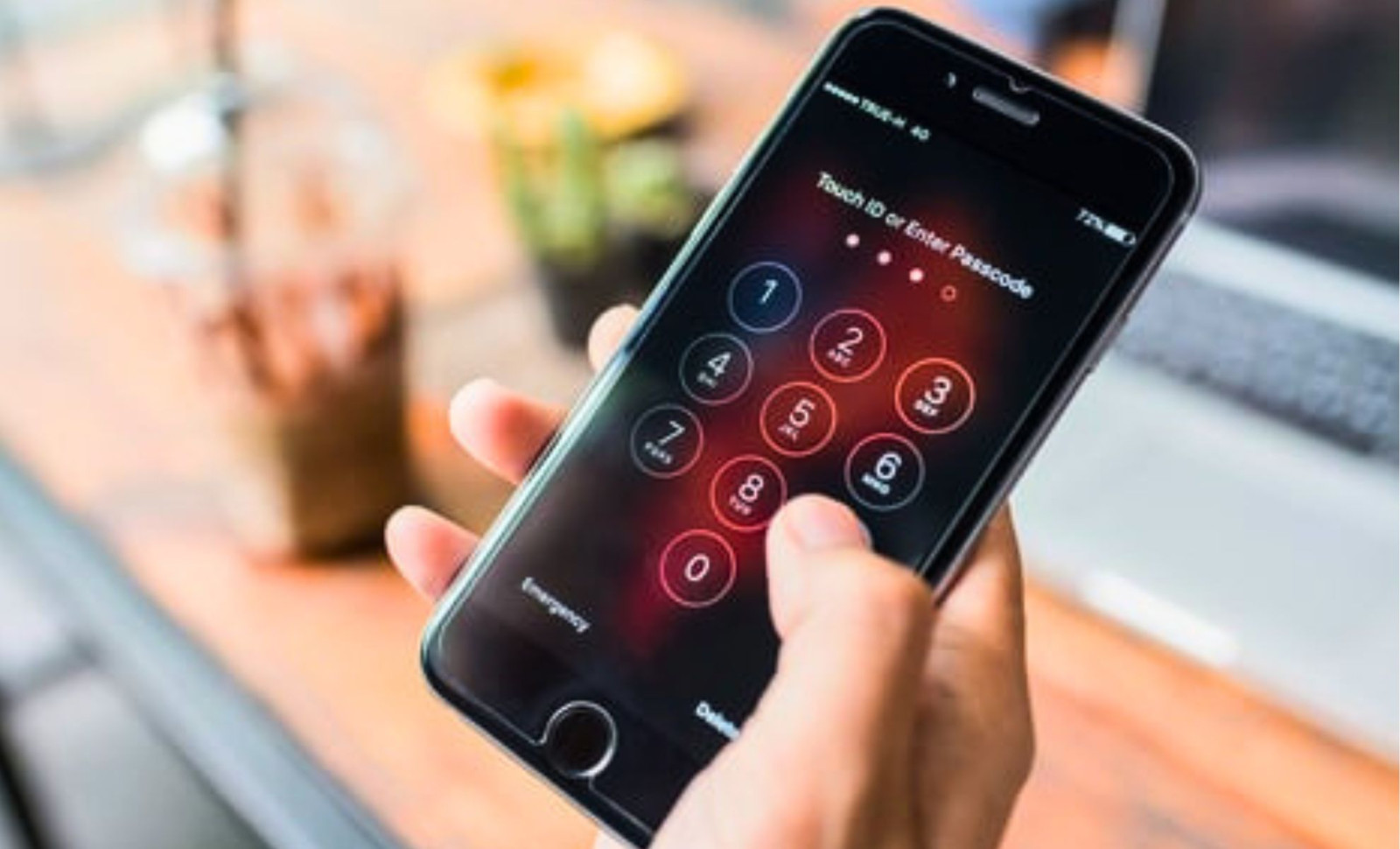
By entering a brief combination of numbers and symbols into your smartphone’s dialer, you can quickly determine if your device has been covertly set to redirect calls and messages. As detailed in a security update from the German tech outlet COMPUTER BILD, specific diagnostic USSD codes can uncover unauthorized call forwarding almost instantly.
The fundamental issue is straightforward. Anyone with brief access to an unlocked phone can enable forwarding so incoming calls and texts are silently rerouted to another number. This setup process takes under a minute, and once active, calls won’t ring suspiciously or alert the owner.
Unlike stealthy spyware buried in the OS, such forwarding adjustments leave distinct traces within the carrier network. These USSD codes bring those traces to light.

How the Test Works
Dialing a USSD command differs from placing a regular call. When you enter the sequence and press call, it sends a query directly to the mobile provider’s network rather than connecting to a person. The network then displays detailed call forwarding statuses. The key code is *#21#, which checks if any calls, messages, or data are being forwarded unconditionally. If an unknown number appears, it confirms unauthorized forwarding.
It's important to note that some forwarding numbers, like voicemail lines, are typical. The *#67# code identifies forwarding triggered only when a call goes unanswered or the phone is unreachable—conditions often linked to voicemail. Seeing a familiar carrier's voicemail number here is normal. The red flags are unfamiliar numbers detected by either code.
How to Stop Unwanted Forwarding Instantly
If you discover suspicious numbers, you can deactivate forwarding with these commands:
- ##21# cancels all constant forwarding rules revealed by *#21#.
- ##67# disables forwarding that triggers when calls aren't answered or the line is unavailable.
- ##002# removes every forwarding setting, regardless of condition, in one step.
Additionally, several device-specific codes provide advanced network information but don’t check for hacks directly. On iPhones, *3001#12345#* opens field test mode displaying raw network data. Android devices feature *#*#4636#*#*, which reveals comprehensive usage stats and connection info. Samsung phones use *#197328640# to access service menus displaying radio logs.
Unexpected data spikes or unusual network activity shown in these menus might warrant further investigation using specialized security apps. The advisory also references *#06#, which provides the device’s 15-digit IMEI number. This helps report stolen phones but offers no indication of hacking.
Understanding the Limits of Network Code Checks
The advisory clarifies that USSD queries reveal only network-level call forwarding manipulation. They don’t detect surveillance software embedded on the phone itself.
Many modern stalkerware programs, marketed under parental or employee monitoring, secretly record keystrokes, screenshots, and locations without altering call forwarding settings. For these threats, using a recognized security app is essential, as it identifies hidden processes, suspicious permissions, and installed packages indicative of spyware.
Because such apps blur the line between legitimate monitoring and invasive spying, they are categorized as potentially unwanted applications. Dialer codes won’t detect them, and no quick code exists for this threat.
Subtle Signs of Possible Compromise
The report lists several behavioral symptoms that often accompany infected devices:
- Faster battery drain indicating constant background activity.
- Warm device surfaces despite inactivity.
- Sudden increases in monthly data usage, hinting at data leakage.
- Unfamiliar app icons appearing on the home screen.
Recommended next steps follow standard security protocols: immediately change sensitive account passwords for email, banking, and social media, then run a trusted security scan.
If uncertainty persists, a factory reset restores the device to its original state, erasing all installed apps and malware persistence mechanisms. This simple routine takes under a minute and requires no special expertise—just the right dialer codes.
- Categories:
- News









0 comments
Sign in to Comment