
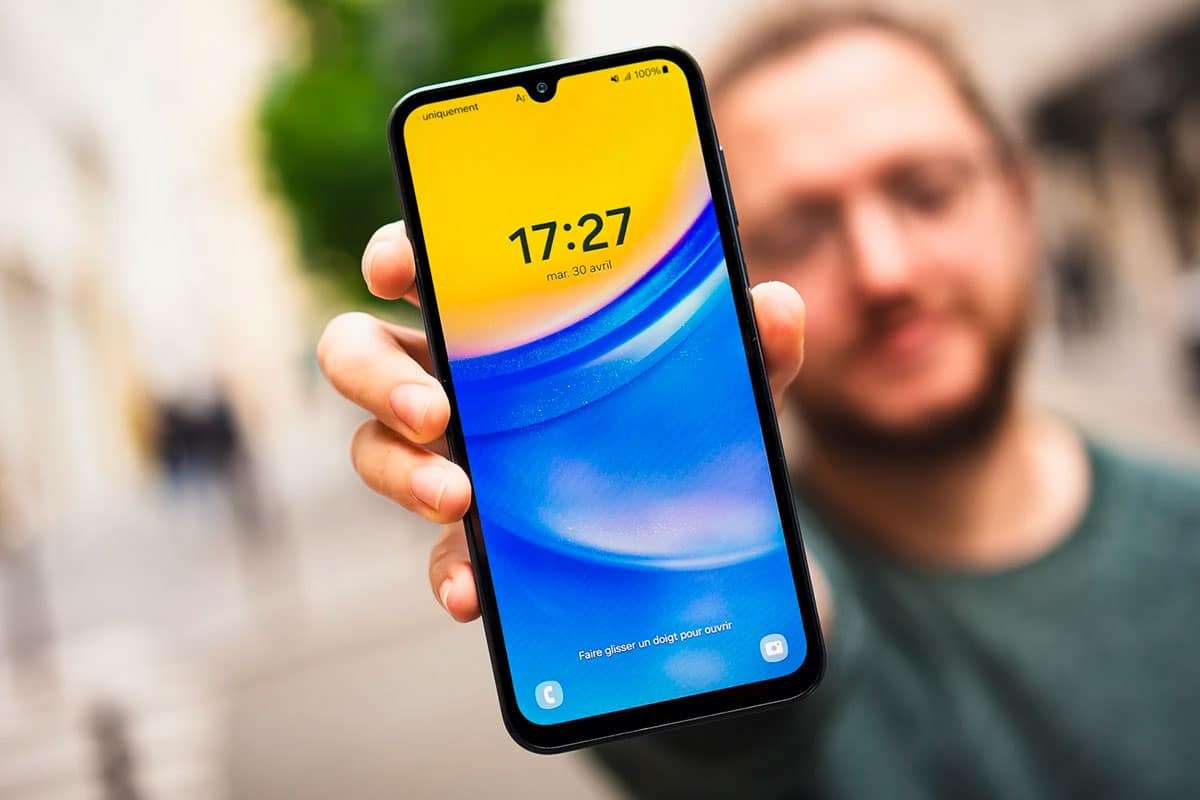
Samsung has introduced a crucial software update aimed at bolstering the protection of its mobile devices. However, to benefit from these enhanced safeguards, users must manually enable the feature within the device settings. As cyber threats escalate alongside the growing significance of smartphones in everyday life, defending your device has become more important than ever. The update, named One UI 6, brings vital improvements to secure users against risks encountered, especially when connecting to public Wi-Fi hotspots and charging stations.
Here’s a quick overview:
- One UI 6 Release: Samsung’s latest update, One UI 6, offers new functionalities along with fortified security protocols.
- Security Highlights: It includes automatic prevention of data exchanges when using public charging points and limits app downloads to trusted stores like Google Play and Samsung Galaxy Store.
- Manual Activation Needed: These protections aren’t enabled automatically; users must go to “Security and privacy” in their phone’s settings and switch on “Application security” and “Automatic blocker.”
- Significance of Updates: Staying current with updates is essential to shield devices from emerging cyberattack techniques.
- Improved User Safety: Enabling these features empowers Samsung users to shield their data from unauthorized access and enjoy safer usage.
The Critical Role of Frequent Software Updates
Device manufacturers persistently enhance their systems through updates. Beyond introducing new capabilities, these updates are fundamental to maintaining strong security defenses. Consistent software updates help counteract ever-evolving hacking strategies, making it advisable to keep your smartphone updated, regardless of its age.

One UI 6: A Landmark Update Featuring Enhanced Security
Earlier this year, Samsung rolled out the One UI 6 upgrade for its smartphones. This version not only brings a refreshed aesthetic with improved animations but also introduces Samsung’s proprietary artificial intelligence assistant, Galaxy AI, alongside reinforced security capabilities.
Top Security Upgrades in One UI 6
A standout feature in One UI 6 is its strengthened protection mechanisms. Recognizing that many users connect to unsecured Wi-Fi networks and public charging points during travel, Samsung addressed these vulnerabilities. Public chargers can harbor malware and malicious software that might transfer onto your device during charging sessions.
The update tackles these threats by enabling users to block installations from any source other than the Google Play Store or the Samsung Galaxy Store. It also adds an option to disable data transfer when the phone is plugged into a public charger.
In-Depth Security Enhancements
One key protection in One UI 6 is the feature that automatically blocks data communications whenever the device is connected to an external charger in a public setting. This prevents hackers from gaining unauthorized access during charging.
Another major safeguard is the enforcement of app installation restrictions. By default, only trusted app stores—Google Play and Samsung Galaxy Store—are permitted, dramatically reducing the chance of harmful apps infiltrating the device.
Steps to Enable the New Security Options
Despite these robust innovations, the security features in One UI 6 remain inactive until the user opts in. To enable them, open your Samsung smartphone, access the “Security and privacy” section in settings, and turn on “Application security” along with the “Automatic blocker.” This menu offers several tools to elevate your phone’s security, which we recommend exploring thoroughly.
By taking initiative to activate these protections, Samsung users can safeguard their sensitive information and enjoy a safer mobile environment.

















0 comments
Sign in to Comment